この商品を友人に教える:
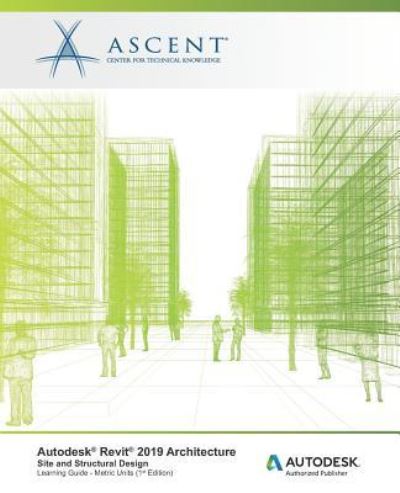
Autodesk Revit 2019 Architecture Ascent - Center for Technical Knowledge
遠隔倉庫からの取り寄せ
 クリスマスプレゼントは1月31日まで返品可能です



Autodesk Revit 2019 Architecture
Ascent - Center for Technical Knowledge
The main purpose of the Autodesk(R) Revit(R) Architecture software is to design buildings: walls, doors, floors, roofs, and stairs. However, architects also frequently need to add site and structural information. The Autodesk(R) Revit(R) 2019 Architecture: Site and Structural Design guide covers the elements and tools that are used to create topographic surfaces for site work and add structural elements.
Site Topics CoveredCreate topographic surfacesAdd property lines and building padsModify toposurfaces with subregions, splitting surfaces and grading the regionsAnnotate site plans and add site componentsWork with Shared Coordinates
Structural Topics CoveredCreate structural grids and add columnsAdd foundation walls and footingsAdd beams and beam systemsCreate framing elevations and add braces
PrerequisitesAccess to the 2019 version of the software. The practices and files included with this guide might not be compatible with prior versions. Users who purchase this learning guide should be comfortable with the fundamentals of the Autodesk Revit Architecture software as taught in the Autodesk(R) Revit(R) 2019: Fundamentals for Architecture guide, and have knowledge of the basic techniques taught in this guide. Information on the Autodesk(R) Revit(R) Structure software, which is optimized for structural engineering, is covered in a separate guide.
| メディア | 書籍 Paperback Book (ソフトカバーで背表紙を接着した本) |
| リリース済み | 2019年3月27日 |
| ISBN13 | 9781947456914 |
| 出版社 | Ascent, Center for Technical Knowledge |
| ページ数 | 118 |
| 寸法 | 191 × 235 × 6 mm · 217 g |
| 言語 | 英語 |